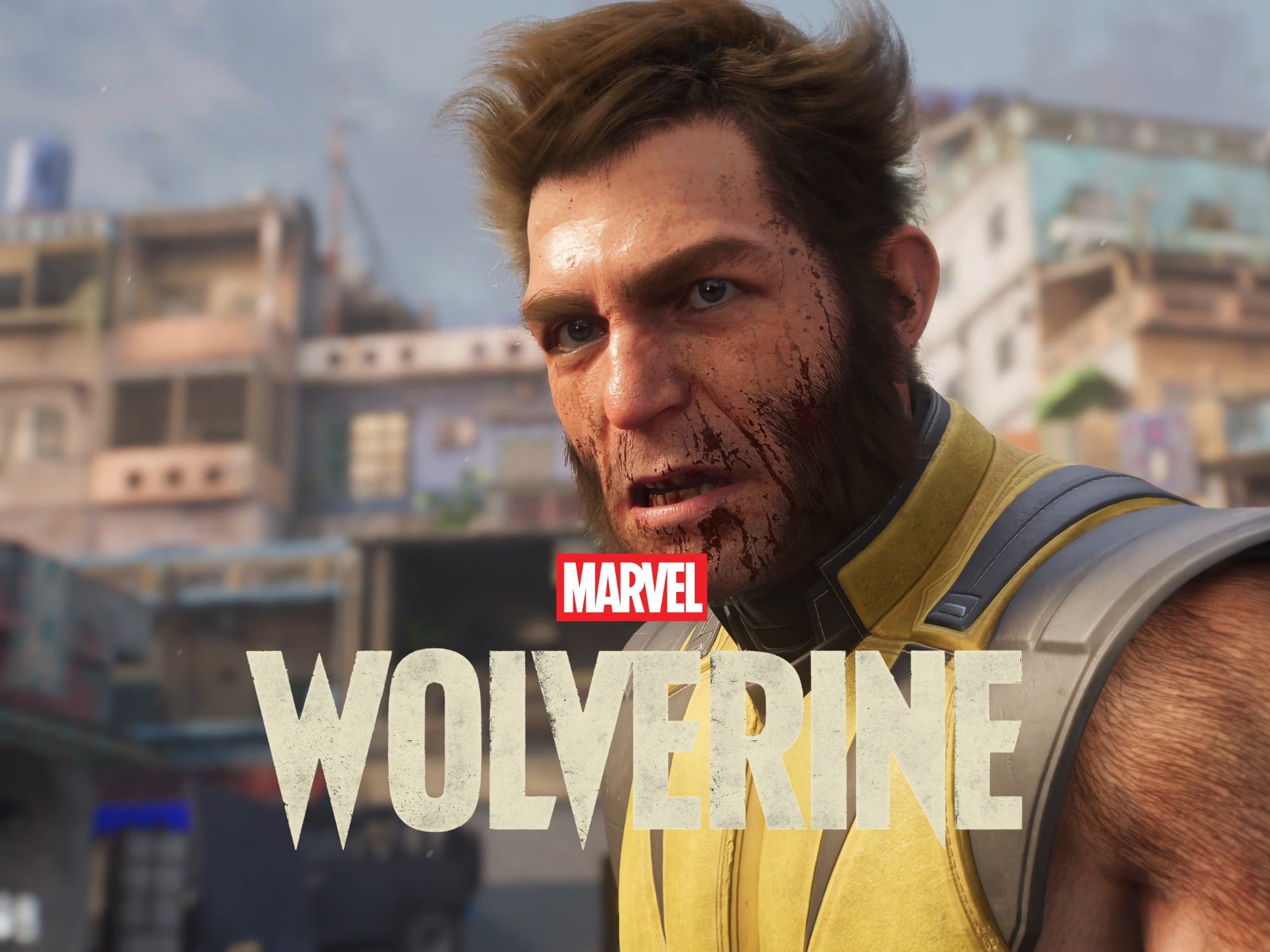
You’re trying to install Marvel’s Wolverine on your PS5, and the download fails with a generic “Something Went Wrong” message. You restart the console, clear the cache, rebuild the database. Nothing works. But here’s the thing most people misunderstand: this error almost never means something is actually wrong with your console or the game files. It’s a version selection problem, and until you understand that, no amount of troubleshooting will fix it.
The Real Problem: You’re Downloading the Wrong Edition
Marvel’s Wolverine launched in two editions: Standard and Deluxe. When you go to download the game, the PS5 store page can default to selecting both versions simultaneously. The console then tries to install two conflicting copies, hits a licensing snag, and throws up the vague “Something Went Wrong” message instead of telling you what it actually means.
This error almost never means something is actually wrong with your console or the game files.
This is why every traditional fix fails. You’re not dealing with corrupted data or a network hiccup. You’re dealing with a store interface that’s trying to download something you don’t own.
How to Actually Fix It in 30 Seconds
Here’s the fix, step by step:
- From the PS5 home screen, go to your game library and find Wolverine.
- Select the game, but don’t press download yet.
- Look for the version selector. It usually appears as a dropdown or separate options on the game’s hub page.
- Choose the exact edition you purchased — either Standard or Deluxe.
- Confirm the selection and start the download.
That’s it. The game will install without the error.
Why the Error Appears at All
The PlayStation Store shows both editions on the same page. If you pre-ordered the Standard edition but the page highlights Deluxe by default, the console attempts to verify a license you don’t have. The result isn’t a helpful “you don’t own this version” prompt. It’s the generic error message designed to cover every possible installation failure.
The fix works because you’re forcing the store to check only the license you actually hold. No cache clearing involved. No database rebuild. Just a correct menu selection.
What to Do If You Still See the Error
If you’ve selected your edition and the error persists, you’re now dealing with a different problem entirely. At that point, work through these in order:
| Issue Type | Symptom | Recommended Fix |
|---|---|---|
| License conflict | Error appears immediately after selecting edition | Restore licenses via Settings > Users and Accounts > Other > Restore Licenses |
| Partial install | Error appears during download, game icon says “Game Data Required” | Check downloads for pending content, restart console, then relaunch |
| Corrupted install | Error repeats even after a successful download | Delete the game completely, then reinstall from the correct edition selection |
The table above matters because each fix targets a different failure stage. Restoring licenses resolves ownership verification problems. Checking for pending installs handles incomplete downloads. A full reinstall is the last resort for corrupted data.
One More Thing Nobody Mentions
The error can also appear if you try to install the game while another version of it is already partially installed. This happens with disc owners who also have a digital preload. The console sees two installations trying to occupy the same space. If that’s your situation, delete the disc-based installation first, then use your digital license to download the correct edition.
Now, before you start reinstalling anything, double-check that you haven’t actually purchased the other edition. A quick look at your transaction history in Settings > Users and Accounts > Other > Transaction History will confirm which version you own. It sounds obvious, but confusion between a friend’s copy or a family member’s purchase is more common than you’d think.
Marvel’s Wolverine is a fantastic game worth getting into. The install roadblock is frustrating, but it’s also avoidable once you know what’s triggering it. Now that the download is handled, the real combat begins. And if you hit any of the in-game camera issues or performance quirks after you’re in, those have fixes worth knowing about too.
- What causes the 'Something Went Wrong' error in Marvel's Wolverine?The error is caused by the PS5 attempting to download both the Standard and Deluxe editions simultaneously, creating a licensing conflict.
- How do I fix the Marvel's Wolverine installation error?Go to your game library, select Wolverine, choose the exact edition you purchased from the version selector, and start the download.
- What should I do if the error persists after selecting the correct edition?Restore licenses via Settings > Users and Accounts > Other > Restore Licenses, or delete any partial installations before reinstalling.