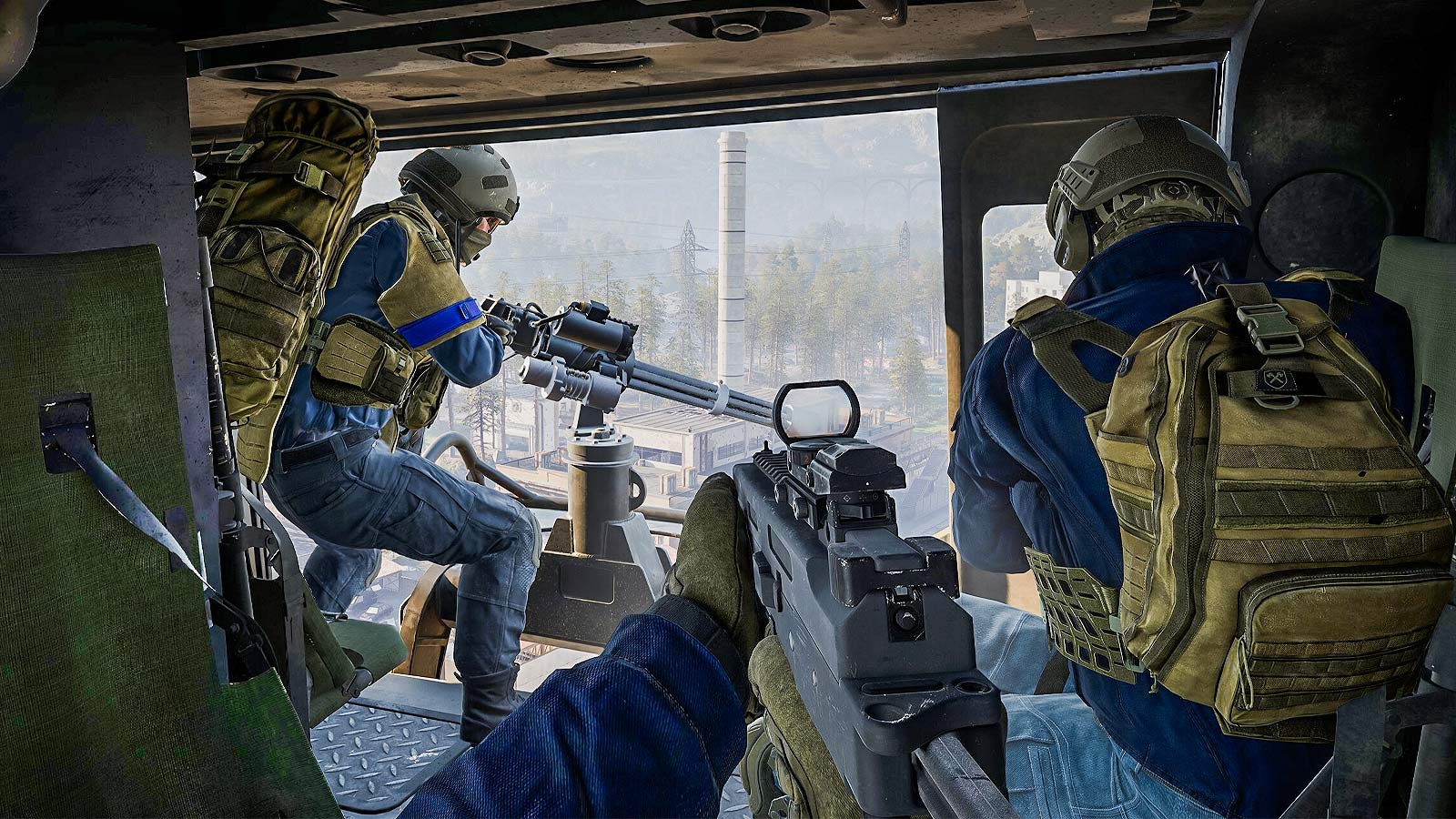
The release of Resident Evil Requiem on PC represents a significant technical milestone for Capcom’s RE Engine, yet simultaneously highlights persistent design choices that continue to frustrate a segment of the player base. This latest port demonstrates clear advancements in core rendering technology and performance optimization, particularly when contrasted with previous entries in the storied franchise. However, it arrives bundled with interface limitations and visual customization restrictions that many consider antiquated for a modern AAA PC release.
A Technical Leap Forward in Rendering and Performance
At its core, Resident Evil Requiem’s PC build is a testament to the maturing RE Engine. The port exhibits robust performance characteristics, with efficient CPU and GPU utilization that allows for high frame rates across a wide spectrum of hardware. Benchmarking reveals that the game scales well from mid-range cards to the latest enthusiast-grade GPUs, maintaining stable frametimes that contribute to a smooth gameplay experience. This technical solidity is a marked improvement over some earlier RE Engine titles, which occasionally suffered from optimization hiccups at launch.
The Absence of Shader Compilation Stutter
One of the most praised technical achievements in this port is the apparent eradication of shader compilation stutter, a pervasive issue that has plagued numerous high-profile PC releases in recent years. Unlike titles where traversal or new effects trigger noticeable hitches as shaders compile on the fly, Resident Evil Requiem manages this process seamlessly, either through comprehensive pre-compilation or more efficient runtime handling. This results in a consistently fluid experience from the opening moments, eliminating a major source of player frustration and setting a new benchmark for Capcom’s PC development.
Strong Support for Modern Upscaling Technologies
The game offers comprehensive support for contemporary image reconstruction and upscaling technologies. Players have access to NVIDIA’s DLSS (Deep Learning Super Sampling) in its latest iterations, AMD’s FidelityFX Super Resolution (FSR), and Intel’s XeSS. This multi-vendor approach ensures that regardless of graphics card manufacturer, users can leverage these performance-boosting tools. The implementation is generally high quality, with minimal artifacting and good preservation of detail, allowing for significant performance headroom at higher resolutions like 1440p and 4K without a substantial loss in visual fidelity.
Persistent Customization Shortcomings and Legacy Issues
Despite these technical victories, Resident Evil Requiem’s PC version is hamstrung by a suite of missing features that have become standard expectations in the platform’s ecosystem. The most glaring omission is the lack of a field of view (FOV) slider. For a game that often features tight corridors and close-quarters combat, the inability to adjust the viewing perspective is a significant drawback, particularly for players susceptible to motion sickness or those who simply prefer a wider vantage point. This design choice feels rooted in console-centric development, neglecting a fundamental tenet of PC gaming: user configurability.

Inflexible Visual and Post-Processing Controls
Further compounding the customization deficit is the inability to disable certain post-processing effects, most notably film grain. While artistic intent is a valid consideration, the option to toggle such effects on or off has been a PC gaming staple for over a decade. Film grain, chromatic aberration, and motion blur are often divisive effects; their forced implementation denies players agency over their visual experience. The settings menu, while offering robust control over texture quality, shadow resolution, and ambient occlusion, feels incomplete without these basic toggles.
Controller-Centric Menu Design and Input Lag Considerations
The user interface retains clear console lineage, with menu navigation that feels optimized for a gamepad rather than a mouse and keyboard. While functional, this can lead to a less precise and slightly cumbersome experience for players who prefer traditional PC input methods. Additionally, some analysis suggests variable input latency depending on the combination of graphical settings and upscaling methods employed. While not game-breaking, competitive or highly skilled players may need to experiment to find the optimal balance between visual quality and responsive controls.
Optimized Settings for Balancing Performance and Visual Fidelity
For players seeking the best balance between a stunning visual presentation and high, stable frame rates, a targeted settings configuration is recommended. Based on performance analysis, the following settings provide an excellent foundation, with adjustments available to suit specific hardware or preference.
High-Quality Baseline Configuration
Start with Texture Quality and Shadow Quality set to ‘High’ rather than ‘Max.’ The visual difference is minimal, but the performance saving, particularly in VRAM usage, is substantial. Capcom’s texture streaming is efficient, but ‘Max’ settings can pressure GPUs with 8GB of VRAM or less at higher resolutions. Volumetric Lighting, a key atmospheric component in the Resident Evil series, can be set to ‘Medium’ with little perceptible loss in quality for a notable performance gain. Screen Space Reflections are demanding; setting these to ‘High’ instead of ‘Ray Traced’ (if available) or ‘Max’ offers one of the largest single performance improvements while maintaining convincing reflective surfaces.
Critical Settings for Performance and Responsiveness
Ambient Occlusion is crucial for depth and should be kept at least at ‘SSAO’ or ‘HBAO+’ if supported. However, the highest setting often provides diminishing returns. For upscaling, DLSS Quality or FSR 2 Quality modes are recommended for 1440p and 4K displays, offering a near-native image with significant performance uplifts. If targeting very high refresh rates (120Hz+), consider using DLSS Balanced or Performance modes. Disabling Motion Blur and Depth of Field via any available .ini file edits or configuration tools is advised for maximum clarity and responsiveness, though this may require community mods if the in-game menu lacks the option.
Cross-Platform Parity and the PS5 Equivalent Experience
Comparing the PC experience to its console counterpart on PlayStation 5 reveals interesting parallels and divergences. The PS5 version typically targets a locked 60 frames per second with a dynamic 4K resolution, utilizing its own temporal upscaling solution. The PC port, when configured with equivalent settings, can match or exceed this performance profile on suitable hardware, but its true value lies in the ability to push beyond these constraints—achieving 120 FPS or native 4K without upscaling. However, the shared lack of an FOV slider and forced post-processing effects means the core user experience, for better or worse, remains closely aligned across platforms, underscoring a unified but restrictive design philosophy.
The release of Resident Evil Requiem on PC ultimately paints a picture of a development team that has mastered the complexities of modern rendering pipelines but remains hesitant to fully embrace the culture of open customization that defines the platform. It delivers a technically proficient, high-performance foundation that serves as a solid template for future titles. The hope within the community is that Capcom will recognize these lingering interface and option deficits not as artistic choices, but as barriers to accessibility and player comfort. Addressing them in future updates or subsequent releases would transform a technically competent port into a genuinely exemplary one, finally merging the RE Engine’s formidable power with the uncompromising flexibility that PC gamers rightfully expect.