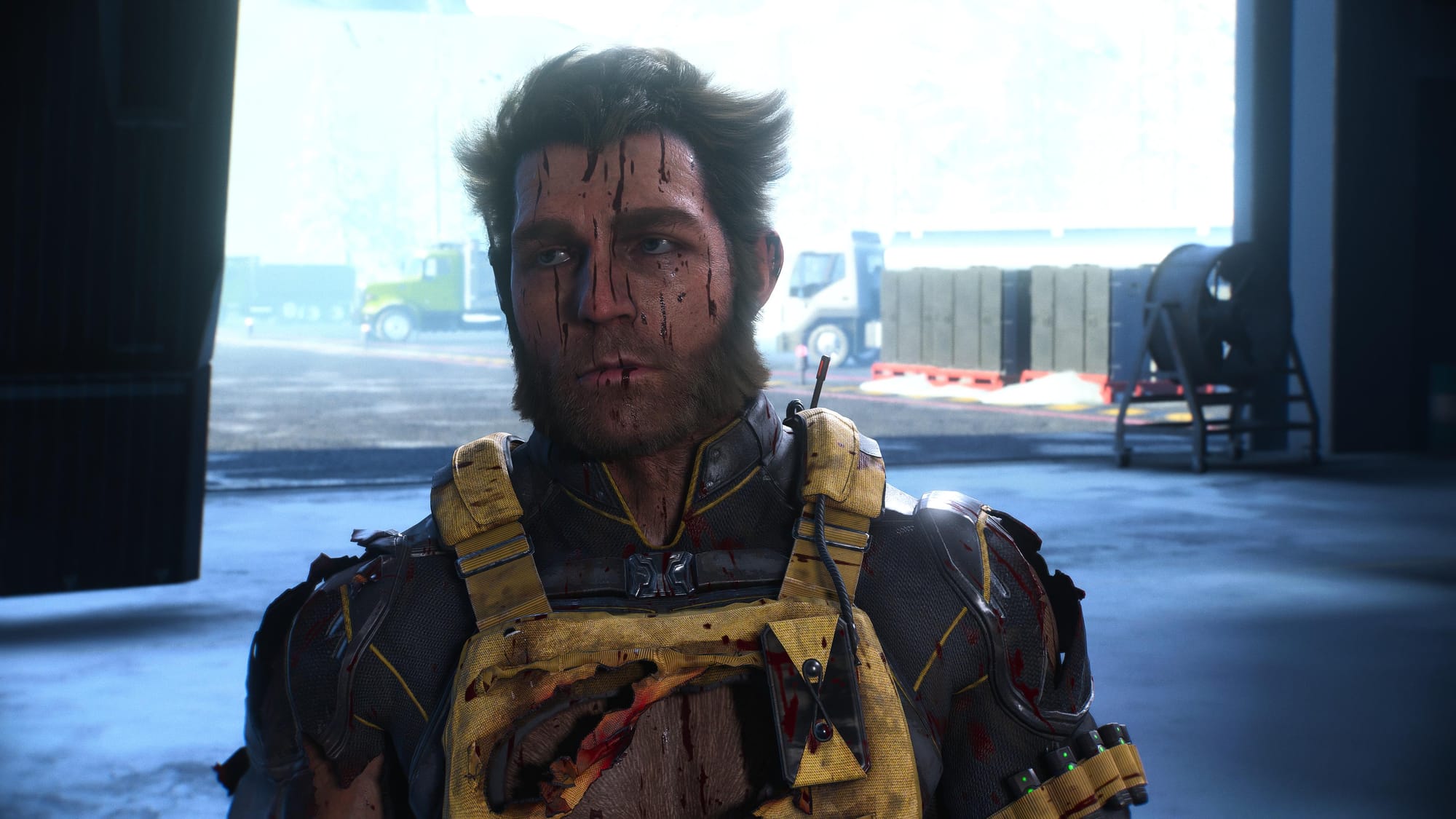
The QTE autocomplete toggle in Marvel’s Wolverine looks like a small accessibility checkbox. Most advice treats it as a simple yes-or-no: enable it if you hate quick time events, leave it off if you want to stay engaged.
That framing misses what this setting actually does to the game’s rhythm. And it ignores a larger structural shift that Insomniac is leaning into — one that rewrites the relationship between player input and narrative control in modern action games.
The QTE autocomplete setting removes the reminder that you are playing a game with arbitrary inputs.
What the Setting Actually Does
Open the accessibility menu. Scroll to QTE Autocomplete. Enable it, and any timed button prompt — doors, environmental takedowns, scripted clashes — completes itself instantly. The brief slowdown still happens, but Wolverine moves through the action without waiting for your finger.
Leave it off, and the prompt appears. You can press the button, or you can do nothing. Either way, the game completes the action once the timer expires. You cannot fail a QTE in Wolverine, regardless of this setting. The autocomplete simply skips the extra second of waiting.
That is a crucial distinction. This is not a “no fail” mode. Fail states were already removed. What changes is pacing.
The Broader Shift: Removing Friction From Story
Modern AAA action games are moving away from mechanical punishment as a storytelling gate. The old model — fail a QTE, watch a death animation, reload, sit through the cutscene again — is dying. Insomniac has been a leader here. Marvel’s Spider-Man 2 already let you skip QTE failures. Wolverine goes further by removing the failure entirely.
The design rationale is clear: these games sell on narrative immersion, not challenge. Every second Wolverine stands still waiting for a button press is a second the player is reminded they are playing a game with arbitrary inputs. The autocomplete setting dissolves that reminder. The movie keeps rolling.
This is not universally positive. The trade-off is that QTEs lose their tension. They become visual spectacle, not player agency. The magnitude of the action — ripping a door off its hinges, stabbing an enemy mid-leap — is undercut when you did nothing to trigger it.
Why This Matters for Your Playthrough
If you want Wolverine to feel like an interactive film — smooth, constant, unobtrusive — enable the setting. Combat still demands parries and dodges. QTEs are rare enough that turning them off removes a handful of interruptions across a 15-hour campaign.
If you want every strike to feel earned, leave it off. The forced pause, the brief panic of locating the correct button on the controller, the satisfaction of a successfully landed prompt — that tiny loop is part of the power fantasy. Removing it flattens the experience.
Neither choice is wrong. The mistake is treating it as a difficulty modifier. It is not. It is a pacing lever.
A Nuance Most Coverage Misses
The autocomplete does not affect combat QTEs during scripted low-health moments — the mashing-to-get-up last stand prompt is unaffected. It also does not affect the “slow motion” critical strike windows that appear when you dodge at the last second. Those are tied to your reflexes, not a scripted button.
Insomniac could have extended autocomplete to those as well. They did not. The distinction matters: the studio chose to automate only the moments that pause the action for a forced input, not the reactive combat loops. That tells you where they believe player skill should matter — and where it should be invisible.
The Setting That Finally Makes Wolverine Feel Like Logan
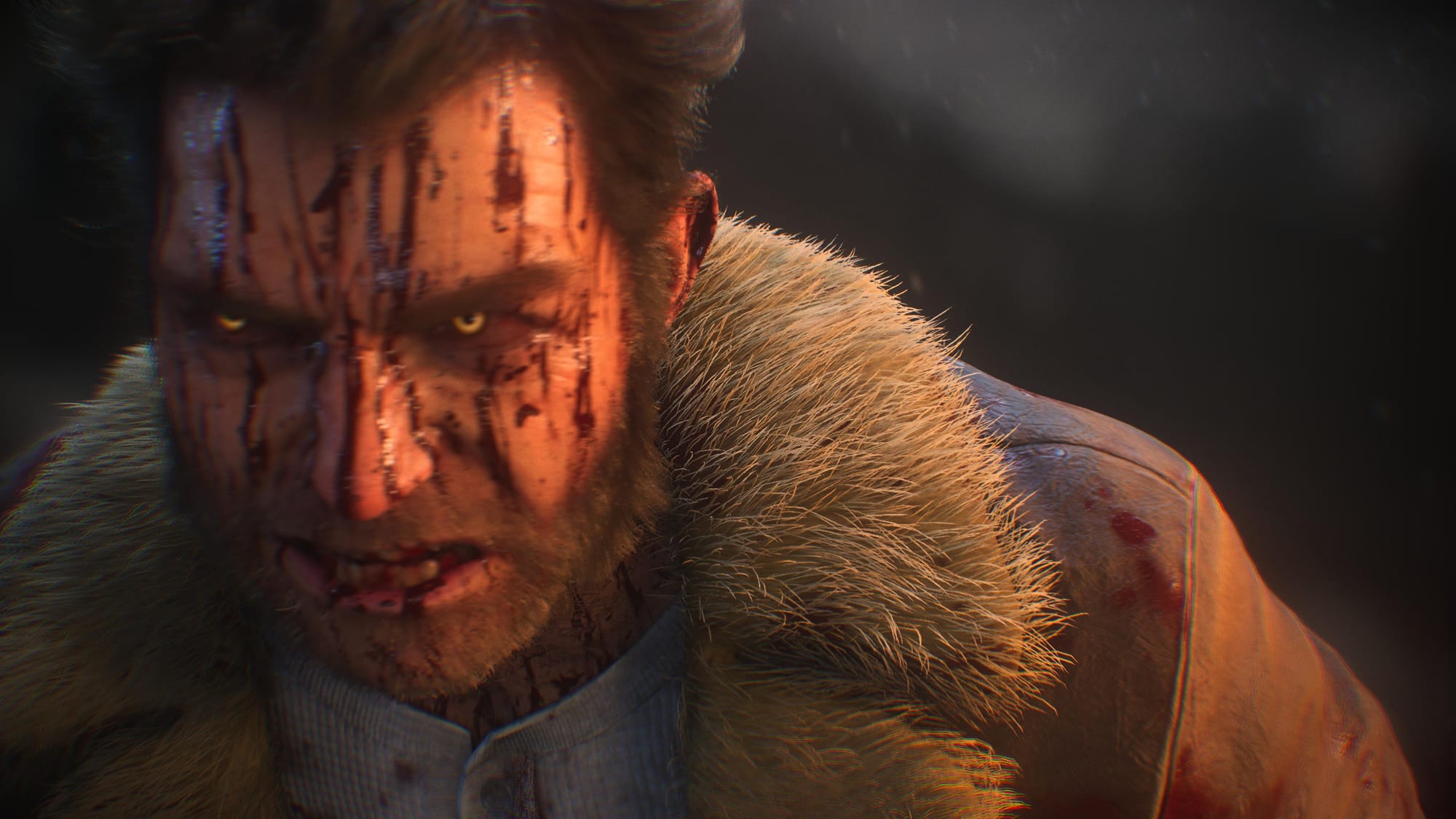
The broader trend behind this toggle is worth watching. More developers are treating QTEs not as gameplay but as production value — something the player should experience, not perform. Wolverine’s autocomplete is one of the clearest implementations yet.
Try the setting both ways. Play the first chapter with it on, then switch off. The difference is subtle but structural. One version lets you stay in the flow. The other asks you to participate in a ritual that no longer has consequences.
Choose the one that makes you feel like Logan — rage, claws, and all.
- What does the QTE autocomplete setting actually do?It completes any timed button prompt instantly, skipping the extra second of waiting, but you cannot fail QTEs regardless of the setting.
- Does the autocomplete affect combat QTEs?No, it does not affect combat QTEs during scripted low-health moments or slow-motion critical strike windows tied to reflexes.
- Why does this setting matter for gameplay?It changes the pacing and narrative immersion by removing the reminder that you are playing a game with arbitrary inputs.