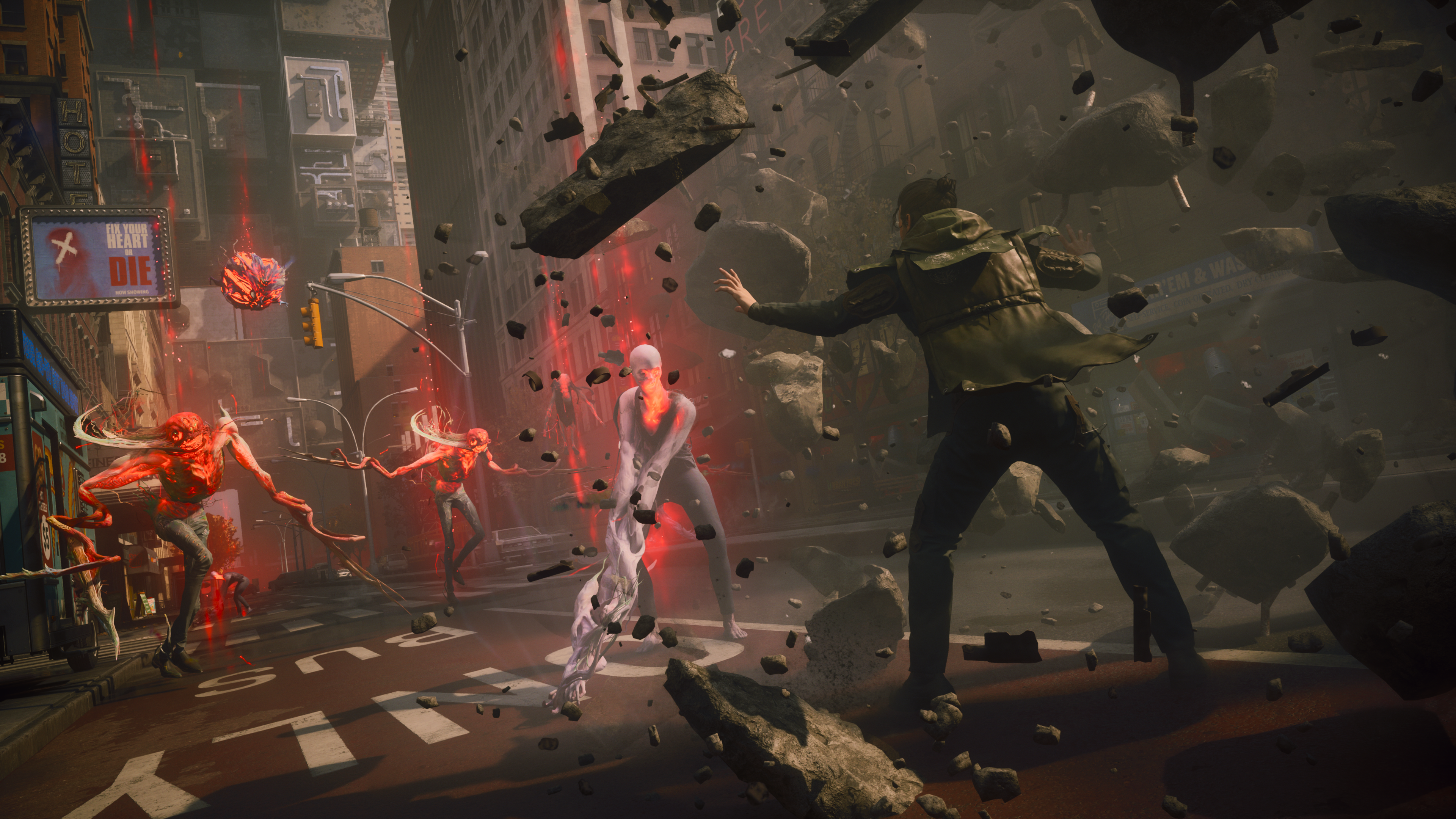
The first piece of advice you’ll hear for any PC game that crashes or runs poorly is: Check the system requirements. For CONTROL Resonant, that means looking at the Steam page, matching your CPU and GPU to the minimum or recommended list, and calling it done. That advice sounds sensible. But in practice, it’s incomplete. Simply meeting the listed numbers does not guarantee a playable experience. And for this specific title, several factors that the spec sheet ignores can turn a supposedly compliant PC into a stuttering, crashing mess.
Here’s what the common advice gets wrong, and what actually determines whether CONTROL Resonant will run properly on your machine.
The takeaway is simple: do not trust a spec sheet as a performance guarantee.
Why CONTROL Resonant’s Listed Specs Can Mislead
The Steam page for CONTROL Resonant lists the following requirements (as of the v1.300.300 update):
- Minimum: Intel Core i5-6600K or AMD Ryzen 5 1600, 8GB RAM, NVIDIA GeForce GTX 960 (4GB) or AMD Radeon RX 470 (4GB), 60GB storage, Windows 10.
- Recommended: Intel Core i7-8700K or AMD Ryzen 7 2700X, 16GB RAM, NVIDIA GeForce RTX 2060 (6GB) or AMD Radeon RX 5700 (8GB), SSD, Windows 11.
On paper, a GTX 960 with 4GB VRAM meets the minimum. But players with that card have reported low framerates, texture pop-in, and occasional DXGI_DEVICE_REMOVED errors — especially during the Dancer boss fight or in areas with heavy particle effects. The issue isn’t the GPU’s core speed. It’s the VRAM budget.
CONTROL Resonant is a fast-paced third-person action game that streams high-resolution textures and shaders on the fly. When VRAM fills up, the engine dumps data to system RAM, causing stutter every few seconds. The minimum spec’s 4GB is borderline. In practice, 6GB or more is the real floor for smooth 1080p at medium settings.

SSD vs. HDD is another gap. The recommended spec says “SSD,” but the minimum doesn’t. Many players who launched the game from a traditional hard drive saw minutes-long loading screens and frequent hitches as the game tried to stream in environment data. The minimum list should have included an SSD from day one.
Where the Common Advice Fails in Specific Situations
The phrase “just check the specs” glosses over at least five real-world failure points:
1. VRAM Is the Real Limiter, Not GPU Model
A GTX 1060 with 3GB VRAM performs worse in CONTROL Resonant than a GTX 980 with 4GB. The 3GB card runs out of video memory quickly, triggering the dreaded “Out of Video Memory” error. The recommended RTX 2060 has 6GB, which works, but an RTX 3060 with 12GB gives a much larger safety buffer for texture quality.
If you’re shopping for a GPU, ignore the model number’s last two digits. Look at the VRAM capacity first. For CONTROL Resonant, 8GB is the sweet spot. Anything below 6GB will cause issues at 1440p or with high texture settings.
2. Windows Version and Background Services
The minimum spec requires Windows 10. But Windows 11’s updated memory management and DirectX 12 Ultimate features provide a measurable performance lift — roughly 5–10% higher framerates in the same hardware. More importantly, Windows 10 builds prior to 22H2 lack certain shader cache optimizations that CONTROL Resonant uses. If your Windows is not fully updated, the game may crash on startup even if everything else meets the specs.
3. Driver Versions That Break More Than They Fix
The common advice says “update your graphics driver.” But the source material itself notes that a newer driver is not always stable on every system. For CONTROL Resonant, NVIDIA driver version 552.22 introduced a regression that caused random black screens for some RTX 30-series users. Rolling back to 551.86 fixed it. The blanket order to “update” ignores this reality. The better advice: check player forums for which driver version is currently stable for your specific card before installing.
4. Overlays and Background Applications
Modern GPUs come with overlays — GeForce Experience, AMD Adrenalin, Xbox Game Bar, Discord, MSI Afterburner, RivaTuner. Each of these applications hooks into the rendering pipeline. In CONTROL Resonant, any overlay has a chance of conflicting with the game’s anti-cheat or shader compilation process, causing a crash to desktop. The common advice rarely mentions turning off these tools, yet it’s one of the most frequent fixes reported in Steam discussions.
5. DirectX Shader Cache Bloat
After several sessions, the DirectX shader cache can grow to several gigabytes. A corrupted or bloated cache causes stutter and longer load times. The common advice doesn’t mention clearing it — but the source material includes “clear DirectX shader cache” as a step. Most players never think to do this because they assume system requirements are a one-time check.
Red Flags When Choosing a PC or Upgrading for CONTROL Resonant
These are warning signs that your intended setup will struggle, even if it nominally meets the Steam page specs:
- 8GB RAM total. The game recommends 16GB for a reason. With 8GB, Windows and background services consume ~3GB, leaving only 5GB for the game. CONTROL Resonant can use 6–8GB during combat scenes, forcing heavy page file usage. This causes micro-stutter and longer loading times.
- HDD storage. If a system lacks an SSD, walk away. The game’s streaming engine demands random read speeds that only an SSD can deliver. Even a SATA SSD is enough, but a mechanical drive will make the experience frustrating.
- GPU with 4GB VRAM or less. Whether it’s a GTX 960, RX 470, or even a newer card like the RTX 3050 (4GB), the VRAM is insufficient for medium-to-high textures. Expect crashes or constant texture streaming issues.
- Windows 10 version older than 22H2. Older builds lack the required shader model support and have known stability problems with DIRECTX 12.
- Laptop with dual-GPU (integrated + discrete) without proper GPU selection. If you can’t force the game to run on the dedicated GPU, the integrated graphics may try to handle it — and fail.
- Overclocked CPU or GPU without stress testing. Any instability from overclocking can trigger DXGI errors. The common advice says “stop overclocking,” but many builders forget to revert before playing.
Top Picks for Hardware That Actually Delivers
These recommendations go beyond the published specs to guarantee a smooth experience at 1080p (high settings) or 1440p (medium-high):

| Component | 1080p High (60 FPS) | 1440p High (60 FPS) |
|---|---|---|
| CPU | Intel i5-12400F / AMD Ryzen 5 5600 | Intel i7-12700F / AMD Ryzen 7 5800X |
| GPU | NVIDIA RTX 3060 (12GB) / AMD RX 6600 XT (8GB) | NVIDIA RTX 4070 (12GB) / AMD RX 7800 XT (16GB) |
| RAM | 16GB DDR4-3200 | 32GB DDR5-5600 |
| Storage | SSD (NVMe preferred) | NVMe SSD |
| OS | Windows 11 22H2 or later | Windows 11 23H2 |
For budget builds, the RTX 4060 (8GB) is a solid value at 1080p. At 1440p, the AMD RX 7700 XT (12GB) offers better VRAM headroom than the similarly priced RTX 4060 Ti (8GB).
The Update That Changed the Game—and the Hardware That Still Matters
The v1.300.300 hotfix reduced enemy health and falter thresholds, making combat feel less grindy. But it did not change the hardware demands. The same VRAM, RAM, and storage bottlenecks remain. The developer’s own patch notes prove that they expected combat to flow faster — but slower hardware still leads to performance drops during those quicker encounters.
An edge case worth noting: some players with 6GB GPUs (like the RTX 2060) reported that after the update, the game actually runs hotter because the engine tries to maintain a higher frame rate, pushing VRAM usage closer to the limit. If your GPU is already at the edge, the update may not help.
The takeaway is simple: do not trust a spec sheet as a performance guarantee. Check VRAM, confirm the storage type, update Windows fully, and test driver stability before blaming the game. The commonly given advice is a starting point, not a finish line.
- Why does VRAM matter for CONTROL Resonant?VRAM is the real limiter; 4GB is borderline and 6GB or more is recommended for smooth 1080p at medium settings.
- Is an SSD required for CONTROL Resonant?Yes, an SSD is essential to avoid long loading screens and frequent hitches during gameplay.
- Did the v1.300.300 update improve performance?The update reduced enemy health but did not change hardware demands; some players with 6GB GPUs may experience higher temperatures.