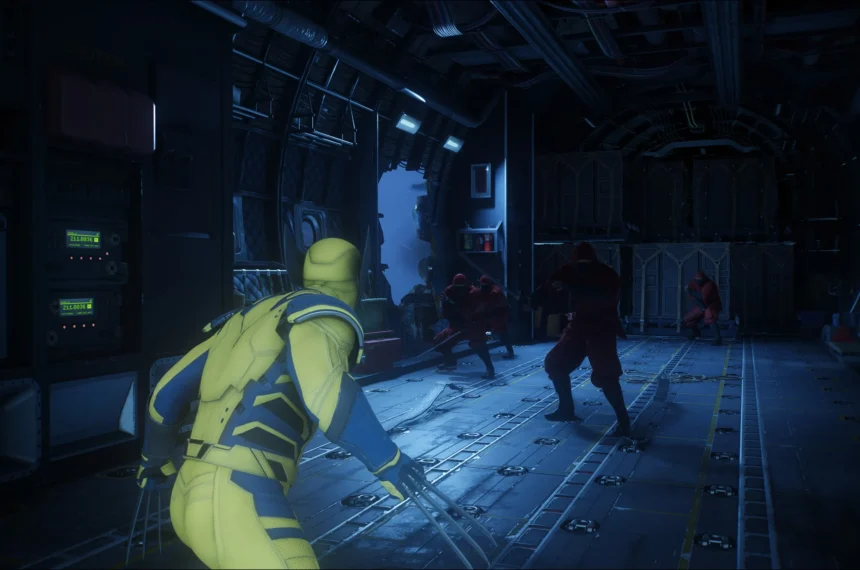
In the ever-evolving landscape of fan-made fighting games, Jump Force Mugen V14 stands as a monumental tribute, bringing together the most iconic Shonen Jump characters into a single, high-energy arena. As we move through 2026, this version remains a favorite among enthusiasts due to its expanded roster, refined combo mechanics, and enhanced visual effects that rival official releases. However, because this is a fan-developed Mugen title, the installation process requires more precision than a standard commercial game. Unlike automated launchers from mainstream platforms, successfully deploying Jump Force Mugen V14 demands careful management of file extraction, archive splitting, and manual input configuration. This guide will walk you through every technical step—from securing the correct archiving tools to optimizing your settings for a stable 60 FPS experience—ensuring that even users with average internet connections or mid-range systems can jump into the action without encountering corrupted files or runtime errors.
Why WinRAR and Proper File Extraction Are Critical for Mugen Builds
One of the most common pitfalls when installing large Mugen builds like Jump Force Mugen V14 is improper file handling. The game is typically distributed as a split archive—often broken into multiple parts (e.g., part1.rar, part2.rar, etc.) to facilitate smoother downloads and reduce the risk of corruption. This is precisely why the tutorial emphasizes downloading WinRAR (or any reliable archiver such as 7-Zip) before touching the game files.
Why splitting matters: When developers release a build of this size—often exceeding 15–20 GB—they split the archive into smaller chunks. If you download all five parts as shown in the guide, WinRAR will recognize them as a single volume set. This means that extracting only one part will not work; you must highlight all parts simultaneously, right-click, and select “Extract Here” or “Extract to specified folder.” The software then rebuilds the complete folder structure from the fragments. Attempting to extract parts individually is the number one cause of “missing files” or “CRC failed” errors, which prevent the game from launching.
Choosing the right extraction location: While the video tutorial extracts directly to the desktop for simplicity, a professional setup recommendation is to extract the game to a dedicated directory—preferably one that is excluded from real-time antivirus scans. Mugen engines often rely on dynamic link libraries (DLLs) and executable files that security software may falsely flag as threats. By creating a folder like C:\Games\JumpForceMugenV14 and adding it to your antivirus exclusion list before extraction, you can avoid interruptions during the installation and gameplay phases.
Step-by-Step: Downloading and Extracting the Game Files
To ensure a seamless installation, follow this refined workflow based on the original guide but optimized for reliability:
- Download the Archiver: Visit the official WinRAR or 7-Zip website. While WinRAR offers a paid license, its trial version remains fully functional for extracting files indefinitely. Avoid third-party “download managers” that bundle adware.
- Acquire the Game Parts: Navigate to the description or caption of the source video. Download all provided parts. If your connection is unstable, download them one at a time to prevent incomplete files. A common best practice is to verify that each part matches the expected file size listed in the source.
- Consolidate Before Extraction: Place all downloaded parts in a single, empty folder. This minimizes confusion and ensures the archiver detects the full set.
- Extract with Precision: Select all parts, right-click, and choose the extraction option. When prompted, specify your destination folder. Do not interrupt the process. Depending on your hard drive speed, extraction can take anywhere from 10 to 40 minutes.
- Verify the Output: Once complete, confirm that a single folder—typically named Jump Force Mugen V14—has been created. Inside, you should find the executable file (often named
VEN.exe,Mugen.exe, or a similar variation). If you see multiple folders likechars,stages,data, andsound, the extraction was successful.
Launching the Game and Configuring Controls
With the files successfully extracted, the next phase involves launching the engine and setting up your input method. The guide correctly highlights that the game may take a moment to load, especially on first launch. This is because the engine is indexing the vast library of character files, stages, and screen packs.
Initial launch behavior: Upon opening the .exe file, you may encounter a brief black screen or a loading bar. This is standard for Mugen-based games. If the game crashes immediately, it is almost always due to missing files (indicating an extraction error) or permission issues. Running the executable as an administrator often resolves the latter.
Configuring inputs: As noted in the tutorial, navigating to the Options menu and pressing F1 brings up the key configuration interface. Here is a professional breakdown of best practices:
- Player 1 (P1): Map movement to the arrow keys or WASD, depending on your preference. Assign punch, kick, heavy attack, and special buttons to comfortable keys such as
U,I,J, andK. - Player 2 (P2): If you plan on local multiplayer, configure a separate set of keys (e.g., number pad or a secondary keyboard region).
- Gamepad support: Many modern Mugen builds support external controllers. If you are using an Xbox or PlayStation controller, ensure it is connected before launching the game. Within the
F1menu, you can map buttons by selecting the input field and pressing the corresponding button on your controller.
Saving your configuration: After mapping your controls, exit the configuration menu and look for a “Save” or “OK” prompt. Failing to save will revert your settings upon restarting the game.
What to Expect from Jump Force Mugen V14
Now that the installation is complete and controls are configured, you can explore the full scope of this fan project. Jump Force Mugen V14 distinguishes itself from earlier versions through:
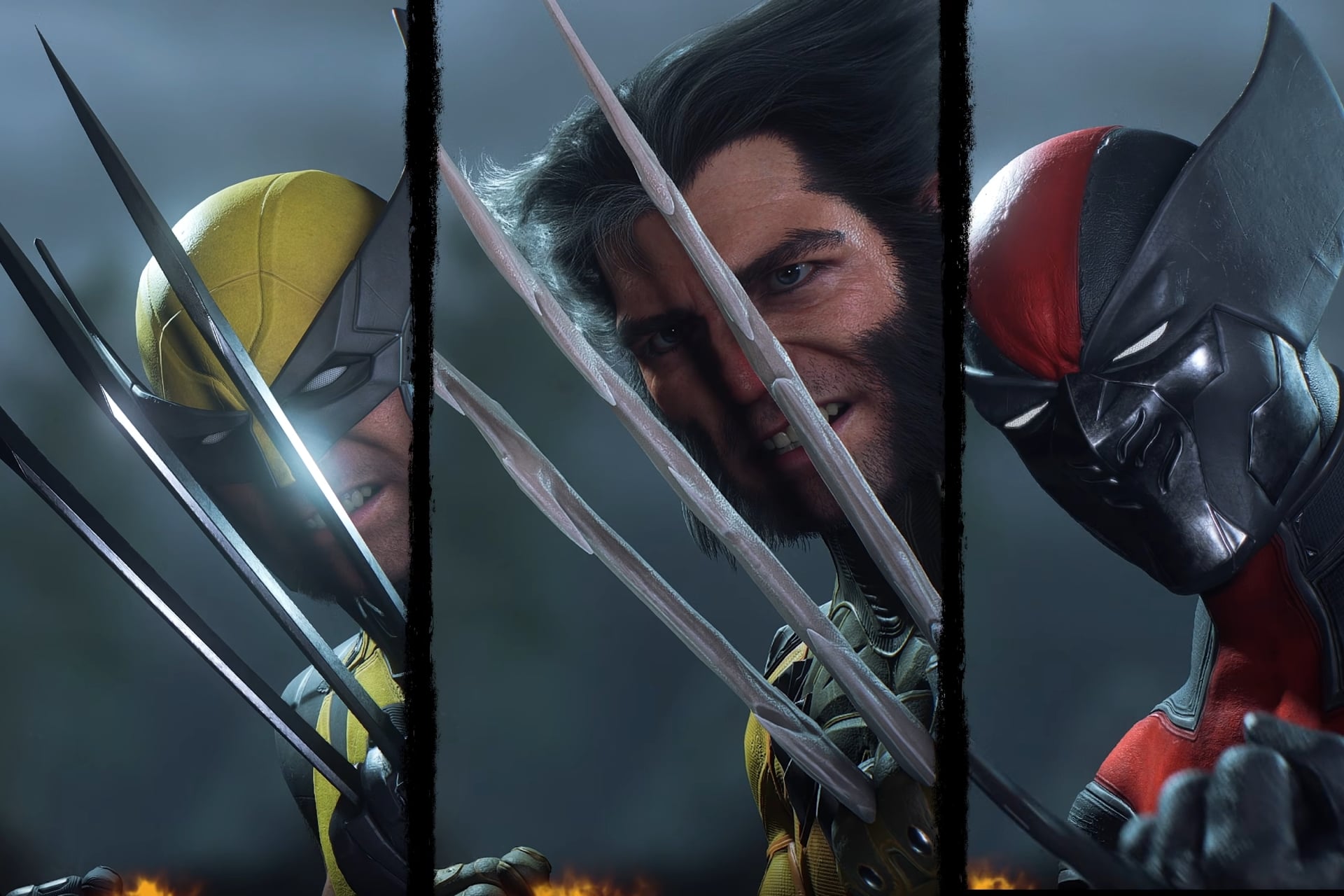
- Expanded character roster: Featuring over 200 fighters from series such as Dragon Ball, Naruto, One Piece, Bleach, My Hero Academia, and Jujutsu Kaisen, many of which include custom super moves and transformations.
- Enhanced visual effects: Updated aura effects, screen shaders, and stage backgrounds that closely mimic the aesthetic of the commercial Jump Force title.
- Refined AI difficulty: The AI in this version has been tuned to provide a more balanced challenge, with difficulty settings that scale from beginner-friendly to highly competitive.
- Multiple game modes: Beyond standard arcade battles, the build typically includes versus mode, team battle, and survival challenges.
Troubleshooting Common Installation Issues
Even with careful adherence to the steps, users may encounter occasional obstacles. Below are solutions to the most frequent issues:
- “Cannot open file” or “Archive is corrupted”: This usually indicates one of the downloaded parts is incomplete. Re-download the specific part that failed and attempt extraction again. Comparing file sizes with the source can help identify the problematic part.
- Game launches but has no sound: As mentioned in the tutorial, sound may be disabled for recording purposes. Check the in-game options menu to ensure volume sliders are turned up. If the issue persists, verify that your system’s audio output is correctly configured.
- Game runs slowly or lags: Mugen builds can be resource-intensive. Lowering the resolution in the options menu, closing background applications, and ensuring your graphics drivers are up to date can significantly improve performance.
- Antivirus quarantines the executable: As noted earlier, add the game folder to your antivirus exclusion list. This is a false positive common to Mugen engines due to the way they execute custom code.
Download Jump Force Mugen V14 – 2026
Download Jump Force Mugen V14 – FAQ
What is Jump Force Mugen V14?
Jump Force Mugen V14 is a fan-made fighting game built on the Mugen engine. It combines characters from popular Shonen Jump anime series—such as Dragon Ball, Naruto, One Piece, and My Hero Academia—into a single playable roster. Unlike the official Jump Force title, this version is community-developed and offers a larger character selection, custom movesets, and modified gameplay mechanics.
Is Jump Force Mugen V14 free to download?
Yes, Jump Force Mugen V14 is completely free to download and play. It is a non-commercial fan project distributed by the Mugen community. However, because it is not an official release, users should only download it from trusted sources to avoid corrupted files or malicious software.
Do I need WinRAR to install the game?
While WinRAR is the software referenced in the tutorial, any archiving tool that supports RAR files and split archives will work. Popular alternatives include 7-Zip (free and open-source) and PeaZip. The key requirement is the ability to extract multi-part .rar files simultaneously to reconstruct the full game folder.
Why do I need to download multiple parts?
Large Mugen builds like Jump Force V14 are often split into multiple parts (e.g., part1.rar, part2.rar, etc.) to make downloading more manageable and reduce the risk of file corruption. When you extract all parts together, the archiving software combines them into a single working game folder. Downloading only one part will not be sufficient.