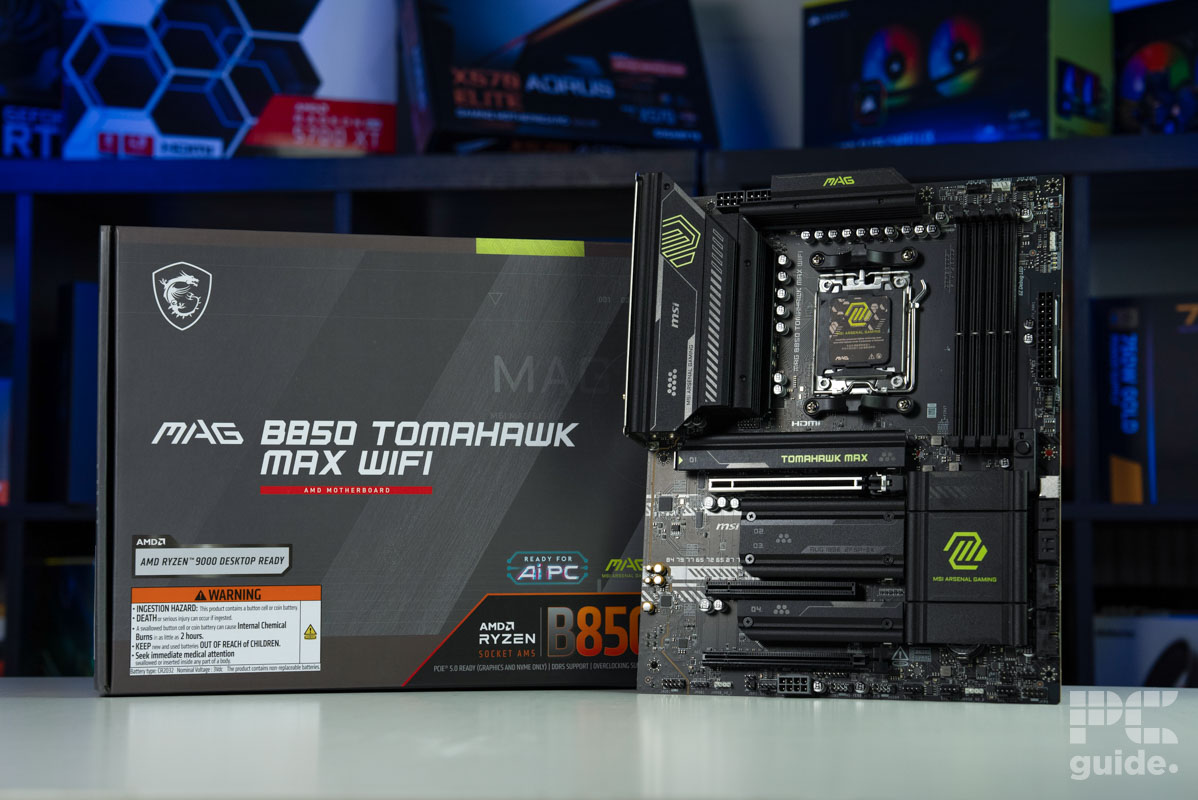
The motherboard market for AMD’s AM5 platform is fiercely competitive, with manufacturers vying for attention through a combination of features, aesthetics, and price. The release of the MSI MAG B850 Gaming Plus Max WiFi, a refreshed version of an existing model, enters this arena with a distinct visual identity and a specific set of trade-offs. This review examines whether its striking white design and select premium features can justify a $260 price tag that, upon closer inspection, reveals several cost-cutting measures in critical areas.
Unboxing and First Impressions: Familiar Territory
The packaging and unboxing experience for the MSI MAG B850 Gaming Plus Max WiFi is virtually identical to its predecessor, distinguished only by the addition of the “Max” label. Inside the silver cardboard box, users will find a standard accessory bundle: a quick installation guide, regulatory notices, a single SATA cable, MSI’s EZ M.2 Clip II system with a removal tool, a WiFi antenna, a basic 1-to-2 EZ Conn-Cable for fan and RGB connections, a front panel cable, and cable stickers. The absence of more comprehensive accessories, like the multi-port front panel connector found on higher-tier MSI boards, is an early indicator of the board’s positioning within the company’s lineup.
Design and Build: Aesthetics Over Engineering
Visually, the board makes a strong statement. MSI has inverted the color scheme from the original model, now featuring a white PCB and matching white heatsinks adorned with sleek black diagonal lines. This creates a cohesive and attractive look, particularly well-suited for white-themed PC builds. The absence of onboard RGB lighting keeps the aesthetic clean, relying instead on user-added lighting via the provided ARGB headers.
PCB and Foundational Features
MSI constructs the board on a 6-layer PCB with 2oz copper, promoting its “PCB Fabric Technology” for minimal signal loss. Standard protections against overvoltage and overcurrent are included, alongside measures to suppress electromagnetic interference. A notable inclusion for a board in this segment is an external Base Clock (BCLK) generator. This chip allows enthusiasts to adjust CPU and memory clocks independently, potentially offering more granular overclocking control without desynchronizing other system clocks, a feature typically reserved for more expensive models.
Core Components: Where Compromises Emerge
Power Delivery: A Step Behind
The power delivery system, or VRM, is often where budget constraints become most apparent. The B850 Gaming Plus Max WiFi employs a 12+2+1 phase design, with each phase rated for 50 amps. The critical detail, however, is the use of discrete MOSFETs instead of the more modern and efficient DrMOS or SPS (Smart Power Stage) designs. These discrete components, specifically Sinpower’s SM4337 and SM4503 MOSFETs controlled by Richtek PWM controllers, are less efficient and generate more heat.

While dual 8-pin EPS connectors provide ample theoretical power (up to 300W) for any current Ryzen CPU, the VRM cooling—consisting of two separate heatsinks with a stacked fin design and 7W/mK thermal pads—faces a significant challenge. The lack of a heatpipe connecting the heatsinks limits thermal dissipation, a concern corroborated by testing.
Memory and Expansion: Mixed Offerings
The board offers four DDR5 DIMM slots supporting up to 256GB of memory, with a maximum officially supported speed of DDR5-8200 MT/s. In practical terms, for AMD Ryzen 7000 and 9000 series processors, the optimal and stable sweet spot remains between DDR5-6000 and DDR5-6400. The board does support CUDIMMs (Clock Driver Unbuffered DIMMs) but only in a bypass mode that negates their primary speed benefit, rendering the feature somewhat moot for most users.
For expansion, users get one full-speed PCIe 5.0 x16 slot for a graphics card, which features MSI’s convenient EZ PCIe release button but lacks the steel reinforcement of premium models. Three secondary slots (one PCIe 4.0 x4 and two PCIe 3.0 x1) share bandwidth, meaning performance can drop if multiple are populated.
Storage: Adequate but Cooled Sparingly
Storage connectivity is a relative strong point, with three M.2 slots and four SATA 6Gbps ports. The slots include one PCIe 5.0 x4, one PCIe 4.0 x4, and one PCIe 4.0 x2. Notably, only the primary PCIe 5.0 M.2 slot includes a heatsink, and it is a single-sided design. This could pose cooling challenges for high-performance Gen4 or double-sided Gen5 SSDs, requiring users to supply their own cooling solutions for the other slots. The inclusion of MSI’s tool-free EZ M.2 Clip II on all slots is a welcome quality-of-life feature.
Connectivity: Highlights and Notable Omissions
Networking: A Premium Standout
The networking suite is arguably the board’s most premium aspect. It features a Realtek RTL8126 5 Gigabit Ethernet controller, a rarity at this price point that offers significant bandwidth for local network transfers. Wireless connectivity is equally modern, with WiFi 7 and Bluetooth 5.4 support, though note that full functionality requires Windows 11 24H2 or later.
USB and Audio: Cost-Cutting Evident
The USB selection is plentiful in quantity but lags in quality. With 17 total ports (a mix of rear and front-panel headers), there is no shortage of connectivity. However, the fastest ports are limited to 10 Gbps; there are no 20 Gbps USB ports, and crucially, no support for the optional USB4 standard. For a $260 motherboard in 2026, this feels like a significant omission, as faster external storage and peripherals become more common.
The audio solution further emphasizes the board’s mixed priorities. MSI employs the aging Realtek ALC897 codec, a component typically found on much more budget-conscious boards. While the company’s “Audio Boost” marketing highlights high-quality audio capacitors and separated PCB layers, the core codec is a generation behind what competitors often offer at this price, such as the Realtek ALC4080 or ALC4082.
Internal Headers and Diagnostics
The board is well-equipped with internal connectors, including multiple fan and pump headers, addressable and standard RGB headers, and a TPM header. A unique feature is the Direct OC Jumper, which works with MSI’s OC Engine software for BCLK adjustments within the operating system. For diagnostics, four simple debug LEDs (CPU, DRAM, VGA, BOOT) are present, but there is no more advanced debug code display.
Rear I/O and BIOS
The rear I/O panel is clean and pre-installed. It houses the Clear CMOS and Flash BIOS buttons, display outputs (leveraging the CPU’s integrated graphics), the 5G LAN port, WiFi antenna connectors, and the array of USB ports. The BIOS, now housed on a 64MB chip (an upgrade from 32MB in non-Max models), offers MSI’s familiar Click BIOS 5 interface with all the expected tuning and monitoring options for memory, voltages, and the dedicated BCLK generator.
Performance Testing: Competent but Unremarkable
In performance testing with a high-end AMD Ryzen 9 9950X and RTX 4090, the board performed exactly as expected for a B850 chipset model. Synthetic benchmarks like Cinebench 2024, Blender, and Geekbench 6 showed scores in line with other boards, indicating no performance penalty in CPU-bound tasks. Gaming performance in titles like Cyberpunk 2077, Far Cry 6, and Starfield was also consistent with the platform, dictated primarily by the CPU and GPU.
Power and Thermal Reality Check
The limitations of the power delivery system became apparent under sustained load. While the system booted quickly (around 22 seconds in testing), running a heavy multi-core stress test like Cinebench pushed the VRM temperatures to approximately 64°C. This is notably warmer than many competing boards with more robust DrMOS-based designs. The discrete MOSFETs and the separate VRM heatsink design simply cannot dissipate heat as effectively, which could impact long-term stability and overclocking headroom, especially in poorly ventilated cases.
Value Proposition and Final Considerations
The MSI MAG B850 Gaming Plus Max WiFi presents a clear but narrow value proposition. Its beautiful white aesthetic is its greatest strength, making it a compelling choice for builders dedicated to a specific color theme. The inclusion of 5G LAN and WiFi 7 is also a legitimate differentiator in the upper-mid-range market.
However, these positives are counterbalanced by tangible compromises in areas that matter for performance and longevity. The discrete MOSFET VRM, the older ALC897 audio codec, the lack of USB4 or 20 Gbps USB, and the minimal M.2 cooling are concessions that are hard to ignore at a $260 MSRP. When compared to competitors like the MSI B850 Tomahawk Max WiFi or various ASRock offerings, which often offer better power delivery or more modern I/O at similar or lower prices, the “Gaming Plus Max” struggles to justify its cost on pure features and performance alone. Its appeal is ultimately rooted in its specific visual design and the unique 5G networking feature, catering to a niche rather than offering the best overall value.